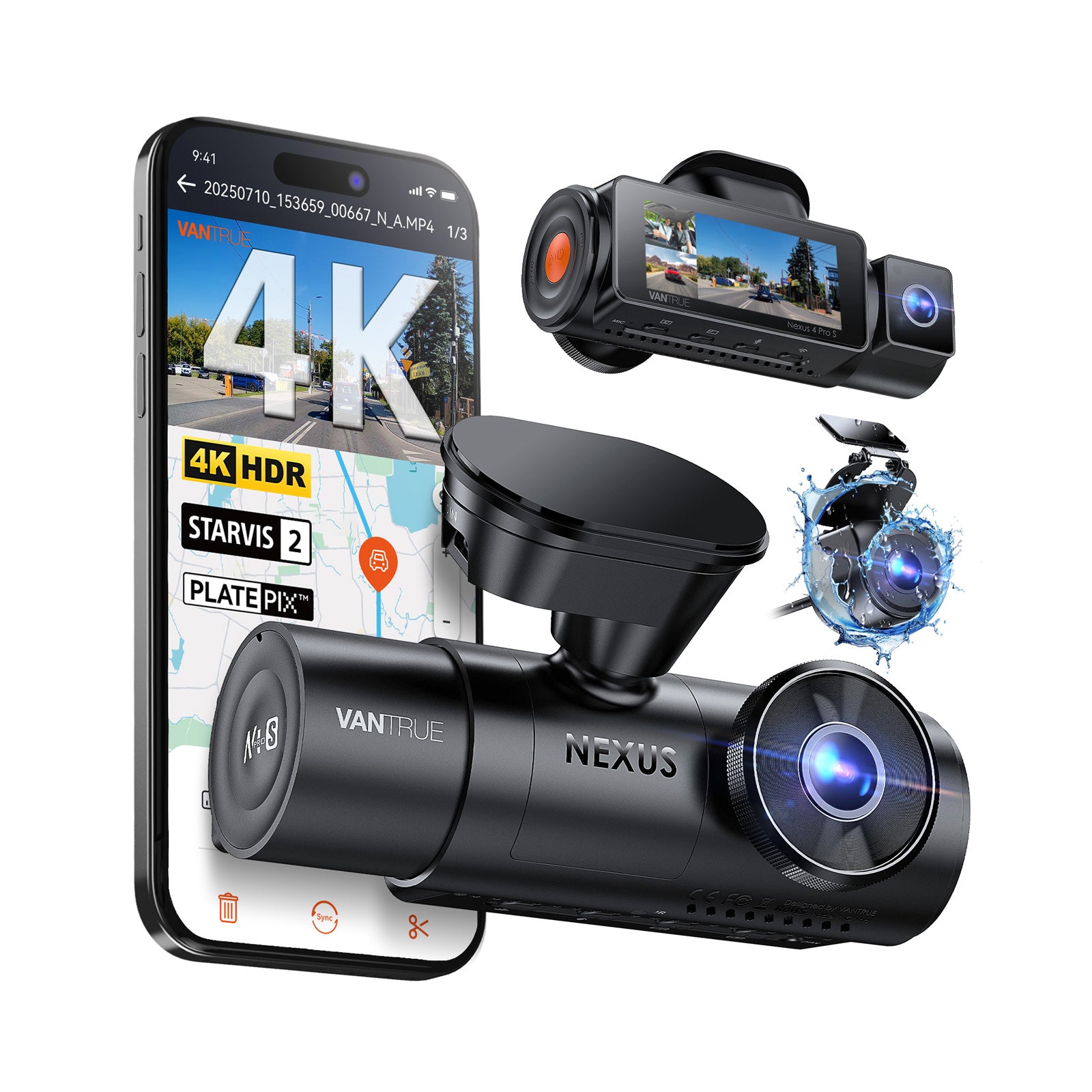
The N4 Pro S makes sense if you want to record passengers as well as the road ahead and behind. Both listings specify three-channel recording, GPS and Wi-Fi connectivity.
A simpler front-only or front-and-rear camera may suit you better if cabin recording is unnecessary. Three channels also mean routing a rear cable, managing storage and deciding how the system should be powered when parked.
The listings require a hardwire kit for continuous parking-mode operation. Allow for the accessory and installation.
02
Wi-Fi is a local connection.
5GHz Wi-Fi connects the camera to a nearby phone. It is not a cellular subscription or automatic remote viewing from anywhere.
03
Storage is part of the setup.
Check whether your selected bundle includes a suitable microSD card. Save important clips before loop recording overwrites them.
QUICK ANSWERS
A few useful answers.
Is this the same as the older N4 Pro?
This guide covers listings explicitly named N4 Pro S. Match that full name and the rear-camera identifier before purchasing; accessories and packages should not be assumed interchangeable with the older N4 Pro.
Will it fit my car?
It is an aftermarket camera, not a vehicle-specific replacement part. Check windshield mounting space, available power, rear-cable length and a safe cable route in your vehicle before buying.
Will every license plate be readable?
No dash camera can guarantee that. Lighting, distance, speed, weather, glass and camera placement all affect the recorded image.
Should I choose RC18 or IP67?
Start with the mounting location. For an interior rear-window installation, compare the RC18 package. If you need a weather-rated rear camera, inspect the IP67 / RC09 listing and its installation requirements.
Sources & how this guide was prepared
Researched October 16, 2026 using manufacturer specifications and the two Amazon listings. This is a research guide; we have not conducted a hands-on test. Packages can change. The manufacturer’s current IP67 rear camera description and Amazon’s RC09 listing do not give identical sensor details, so we do not treat every package as the same hardware.